



Provide real-time updates and notifications on the homepage to keep users informed about upcoming Zoom live classes, changes to class schedules, or important updates regarding the live sessions.
Keep students informed about the availability of new recorded classes and upcoming test assessments directly on the homepage. Provide real-time notifications when new recorded sessions are uploaded, ensuring students can easily access them.
Our customer support is dedicated to providing round-the-clock assistance to instructors, ensuring they have the help they need whenever they face challenges. Whether it's setting up live Zoom classes, managing course materials, or resolving technical issues, our team is always available to support instructors and ensure a seamless teaching experience.



Yes! All recorded lectures are available for you to access at any time after they are uploaded. Simply visit the course page and navigate to the "Lectures" section to view past sessions.
You will receive a notification or email with the Zoom link before the scheduled live class. Just click the link at the scheduled time to join the session. Be sure to check your course calendar for live class schedules.
Tests and assessments are graded automatically for multiple-choice, true/false, and other objective questions. For subjective assessments (like essays), instructors will manually grade and provide feedback.
If you need help, you can contact our 24/7 customer support team via live chat or email. For instructor-specific support, we provide dedicated help through a support portal to resolve any teaching-related queries.
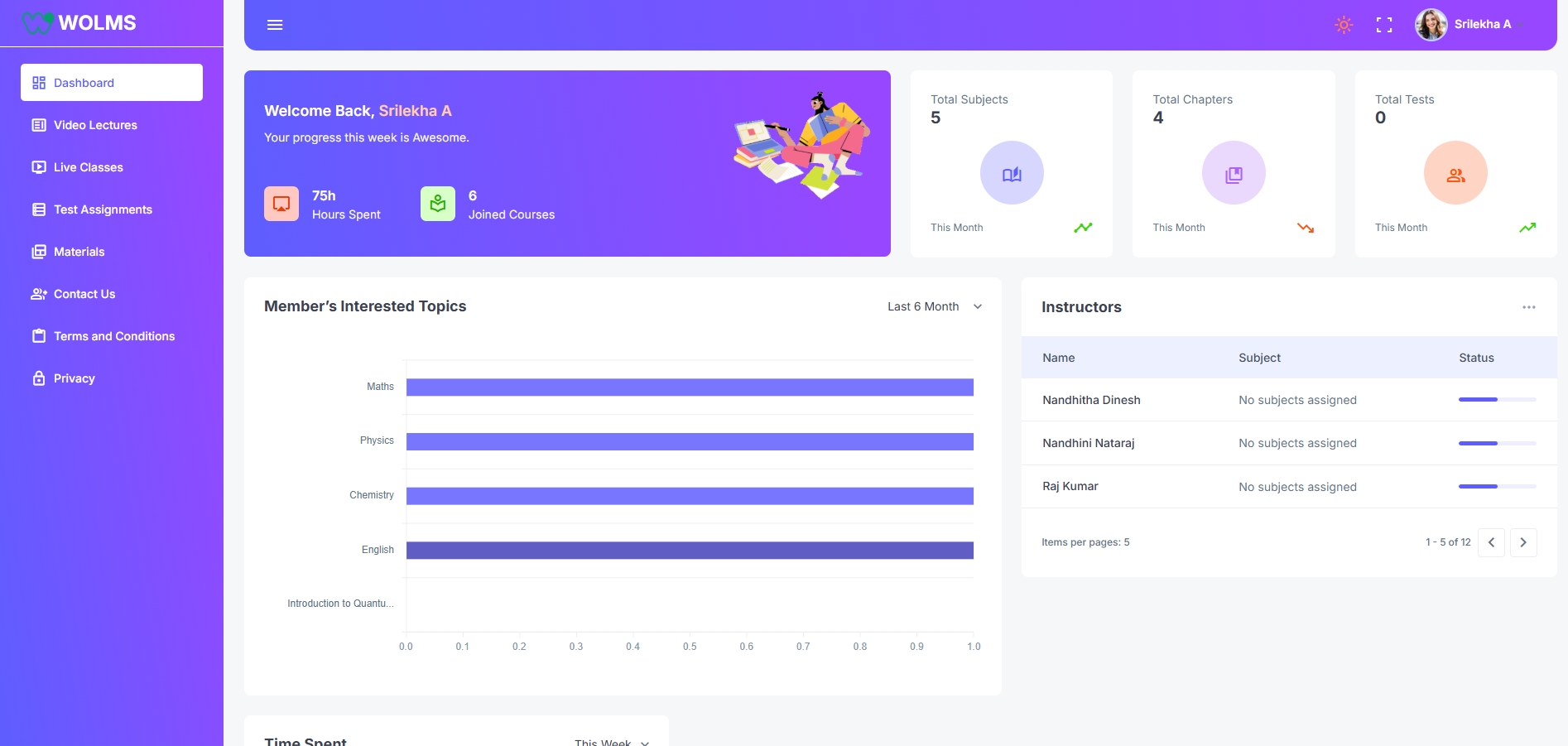
You can track your progress directly from your student dashboard. It will show you how much of the course you’ve completed, your grades, and upcoming assignments or tests.

Experience the difference with Dashboard. Sign up for a free trial today and see how our intuitive platform can revolutionize your data analysis process.
Copyright © 2025 Kanchi Excellent. All Rights Reserved.